
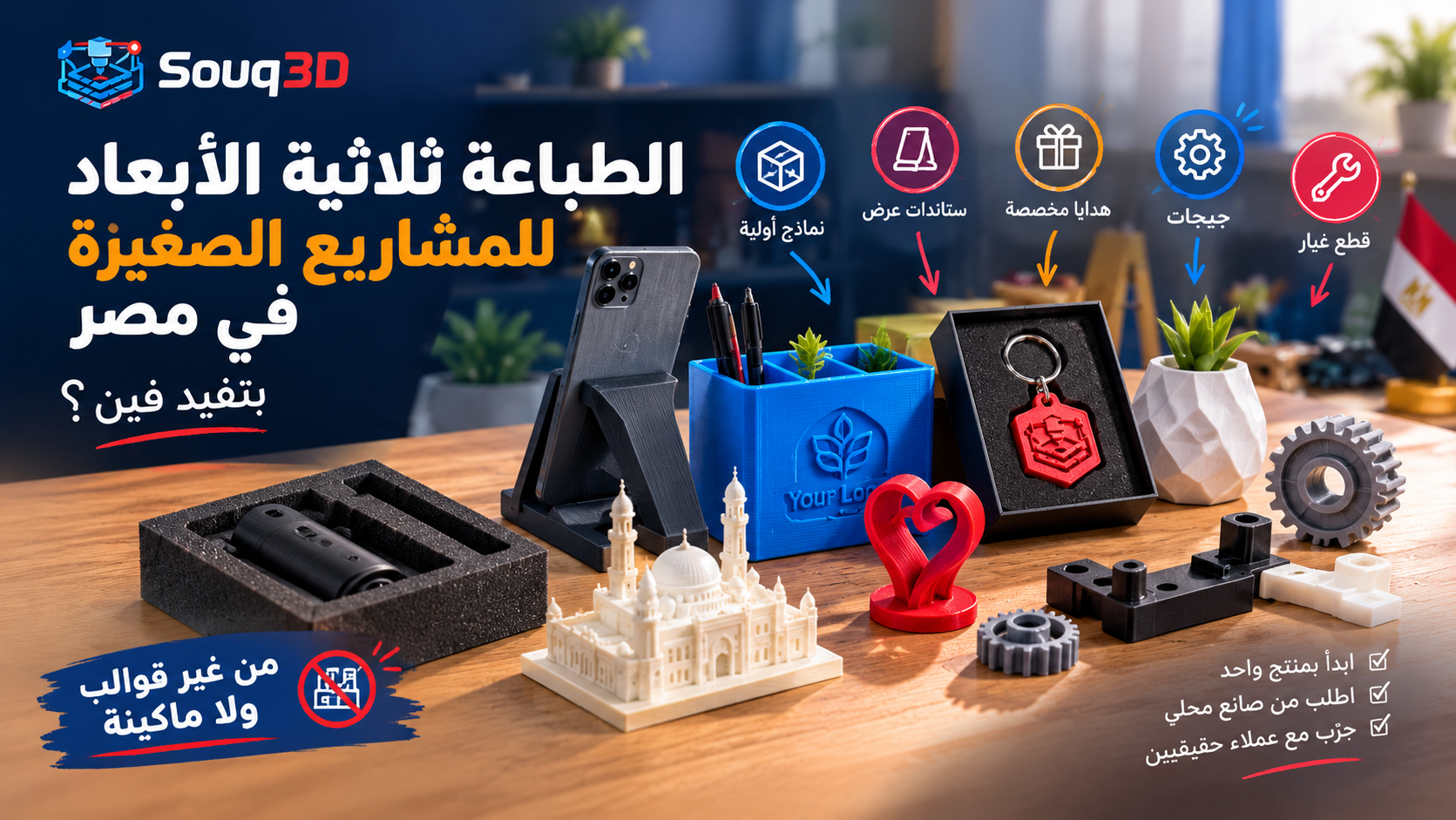
Short answer: A small business in Egypt can use 3D printing for prototypes, custom packaging inserts, display stands, branded merchandise, jigs and spare parts, without buying a machine or paying for steel molds. Start with one product, order a prototype from a local maker, test it with real customers, and only invest in a printer or larger runs once demand is clear. Printing is best for runs from 1 to a few hundred units.
Most owners think 3D printing is for engineers. In practice, shops, workshops, cafes, clinics and online sellers use it for ordinary problems: a missing holder, a branded display, a custom fitting that nobody sells.
Where it pays off
- Prototypes. Test a product shape for a few hundred pounds before you pay for a mold or a factory run.
- Custom product holders and displays. Stands for phones, watches, cosmetics, keys, cables, with your logo.
- Branded merchandise. Keychains, desk items, awards, name plates in small batches.
- Jigs and fixtures. Holders that speed up repeated work in a workshop.
- Spare parts. Discontinued plastic parts for equipment, repaired in days not weeks. See our broken parts guide.
- Packaging inserts. Shaped trays that protect fragile products.
Where it does not pay off
- Thousands of identical simple items. Injection molding is cheaper per unit once the mold exists.
- Parts that must be food-contact safe, pressure-rated or certified.
- Flat sheet items that laser cutting does better; read 3D print vs CNC vs laser.
Order or buy a printer?
For most small businesses the answer is order first. A printer costs money, but also time: tuning, failed prints, drying filament, and design work. Order from a maker until you have repeated, predictable demand. Our first printer guide helps when you reach that point.
A simple path from idea to product
- Define the job. What problem does the object solve, and who uses it?
- Get a design. Hire a designer on Souq3D, or send a sketch with measurements.
- Print one prototype. Check fit, finish and feel in your hands.
- Adjust and print a small batch. 10 to 50 units to test the market.
- Calculate the real cost. Include print, finishing, packaging and your time; the cost calculator gives a starting point.
- Scale. Repeat orders with the same maker, or move to molding when the numbers justify it.
What to ask a maker
- Material and color options, and whether the color is consistent between batches.
- Price per unit at 1, 10 and 50 pieces.
- Lead time for repeat orders.
- Finishing options: sanding, painting, logo.
Example: a small online shop
Imagine a seller of phone accessories who wants a branded charging stand. Instead of ordering 500 units from a factory, they hire a designer for the shape, order one prototype, test it with friends and a few customers, fix the angle, then order 30 units. If the product sells, they reorder in batches of 50. If it does not, they lost a few thousand pounds, not a mold budget.
Example: a workshop or clinic
A workshop that repeats the same operation daily can print a holder or guide that keeps the tool in position and saves minutes per job. A clinic or lab can print a stand, a label holder or a tray sized exactly to its equipment. These parts are small, boring and extremely useful, which is why they are easy wins.
How to estimate the real cost
- Design: a one-time cost, usually the largest on the first unit. Ask the designer for the source file so you can reorder without paying again.
- Print: material plus machine time per unit. Use the cost calculator to see the range.
- Finishing: sanding, painting or logo application can double the price of a simple part.
- Shipping and packaging: remember delivery inside Egypt and boxes if you sell online.
- Returns and failures: keep a small allowance.
Branding without a factory
Small runs can still look professional. Pick one color family and keep it consistent, add your logo as an embossed or engraved detail in the design, and use the same material for every batch. If the color matters, ask the maker whether they can match it across batches, because filament brands differ slightly.
Mistakes small businesses make
- Buying a printer first and then looking for a use for it.
- Skipping the prototype and ordering a large batch of an untested design.
- Choosing PLA for products that sit in hot cars or sunny shop windows. Read the common failures guide for what goes wrong.
- Forgetting that every product needs a repeatable file, material and settings record so reorders match.
Protect your design and your customers
If you pay for a design, agree in writing who owns it and whether the designer can show it. Keep the source file, not only the STL, so you can change the logo or size later. For products that touch skin, food or small children, ask the maker about the material and finish, and avoid making safety claims you cannot prove. Label the product with care instructions if it can warp in a hot car or under direct sun.
Selling the products
Good photos sell printed products. Show the item in use, next to a hand or a coin for scale, and mention the material honestly. Offer a few color choices instead of dozens, because every extra color means more stock for the maker to manage and slower reorders. If you open a store on Souq3D, list one or two products first and add more when you see what sells.
Start with one request
Describe your product and quantity, and compare offers from makers and designers. Post a request on Souq3D and get quotes without committing to anything.
Comments (0)
No comments yet. Be the first to share your thoughts.