
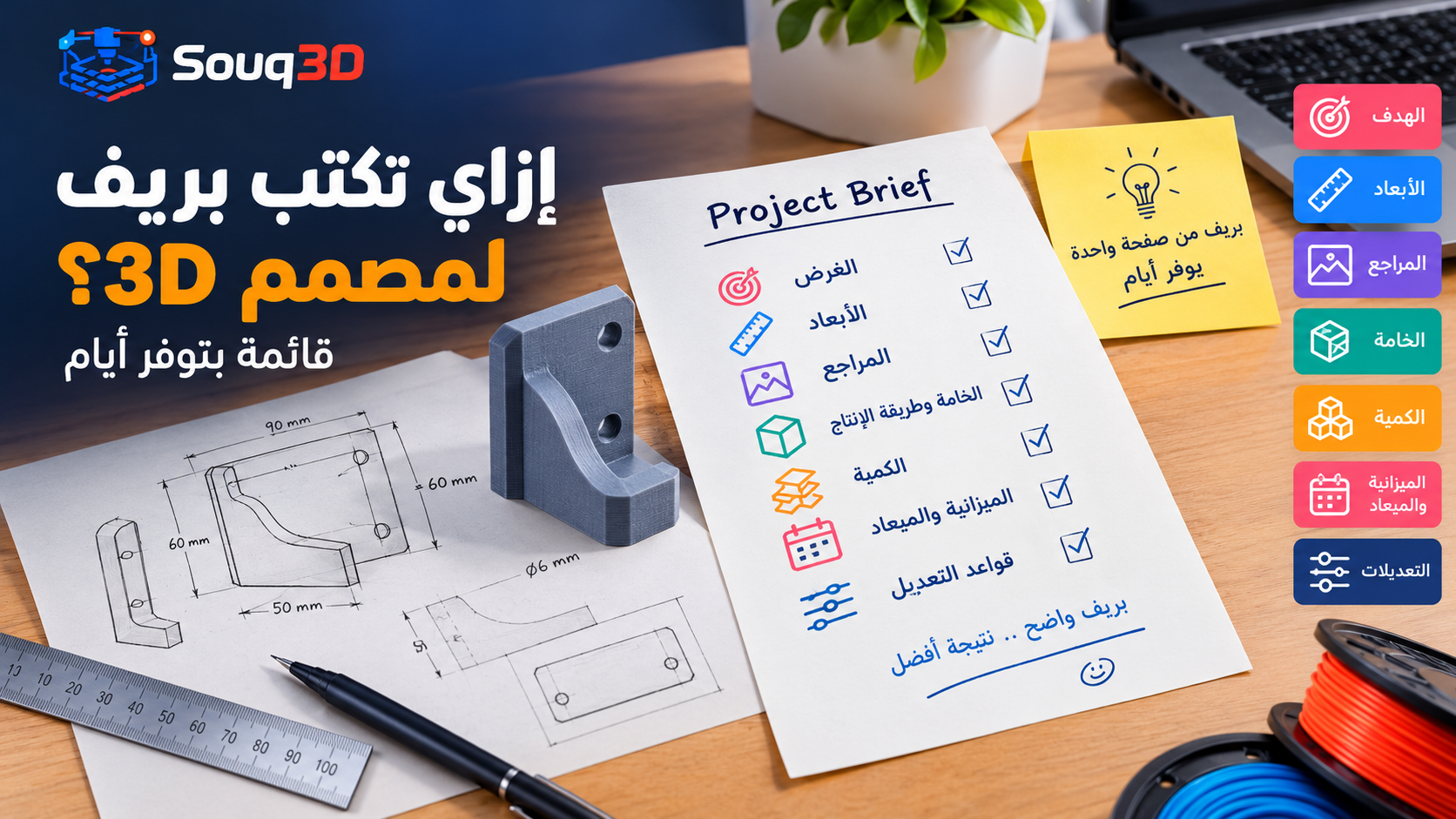
Short answer: To get a good 3D design quickly, give the designer a clear brief: what the object does, exact sizes and mounting points, reference photos, the material or printing method, how many you need, your budget and your deadline. State what must not change and how many revisions are included. Vague briefs cause delays, extra rounds and disputes; a one-page brief usually saves days.
Hiring a 3D designer is not like buying a ready product. The designer cannot see the object in your head, so the quality of the result depends heavily on the quality of your brief.
The brief checklist
- Purpose. What does the part do? Holds a phone, covers a motor, decorates a shelf? Function decides strength and tolerances.
- Dimensions. Overall size, hole diameters, distances between holes, thickness. Use millimeters and a caliper where possible.
- References. Photos from several angles, with a coin or ruler for scale. Sketches on paper are fine.
- Environment. Indoor, outdoor, hot, wet, near food? This drives material choice; see our broken parts guide.
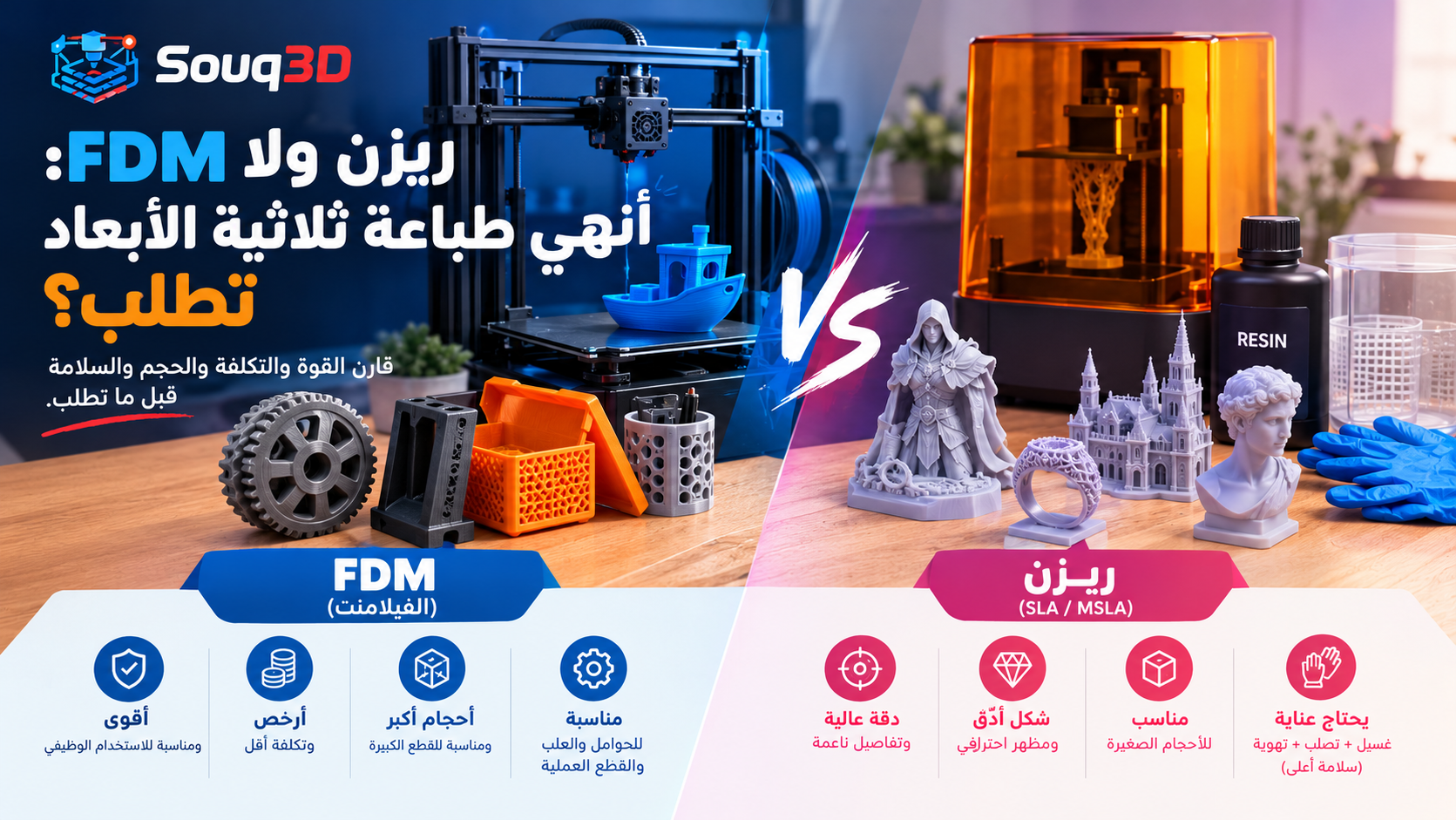
- Production method and material. FDM or resin, PLA, PETG or something else? If unsure, ask; read resin vs FDM.
- Quantity. One piece or fifty? This affects whether the designer optimizes for speed, strength or cost.
- Deliverables. STL, 3MF, editable source file (STEP or native CAD), renders for your shop?
- Budget and deadline. Honest numbers let designers propose realistic scope.
Say what must not change
If a hole must stay exactly 6 mm or the part must fit an existing slot, write it explicitly. Everything else is open for the designer to improve.
Agree on revisions
- How many revision rounds are included, for example two.
- What counts as a revision (small changes) versus a new request (different shape or function).
- How you will give feedback: marked-up screenshots work better than long messages.
Plan for a test print
Even good designs need a fit check. Budget for a prototype and a possible adjustment. A designer who also prints, or works with a maker, can close the loop faster. Choose Both on the order form for design plus print.
Rights and files
Ask who owns the final design, and whether the designer may show it in a portfolio. If you want to edit the model later, request the source file, not just the STL.
Evaluating offers
- Look at portfolio items similar to your project.
- Compare scope, revisions and delivery, not only price.
- Ask one clarifying question to see how the designer thinks.
A sample brief you can copy
Project: wall-mounted holder for a hair dryer.
Purpose: holds a 5 cm diameter handle and the cable, mounted on tile with two screws.
Dimensions: handle 50 mm, screw spacing 60 mm, maximum projection from the wall 90 mm.
Environment: bathroom, humid, indoor, light weight about 600 g.
Material: PETG, white, FDM. Quantity: 2.
Deliverables: STL and editable STEP file. One revision round included.
Budget and date: up to 800 EGP, needed within 10 days.
Short, specific and easy to quote. A designer can answer this in minutes and give a fair price.
Give feedback that saves rounds
- Mark up a screenshot instead of describing a change in words.
- Group all comments in one message so the designer can plan a single revision.
- Say what is wrong and why, for example "the slot is too tight for a 6 mm tab", not only "make it bigger".
- Confirm what you like. Designers should know what to keep.
When you only have an idea
If you do not have measurements or a clear picture yet, say so. Describe the problem you are trying to solve, share inspiration images, and ask the designer for two or three concept options before the final model. This usually costs a little more than a fixed brief but avoids paying for a design that does not fit.
Common brief mistakes
- Sending only a photo with no dimensions.
- Changing the requirements after the model is finished.
- Not mentioning the printer or material, so the design ignores the limits of the process.
- Asking for a "quick quote" without any details, then comparing offers that are for different scopes.
- Choosing the lowest price without checking the portfolio.
Timeline and communication
A simple design usually takes a few days, and a complex one a week or more. Agree on a first-draft date and a final date, and tell the designer how quickly you can answer questions, because waiting for feedback is the most common source of delay. Keep the whole conversation in the order chat on Souq3D so files, decisions and dates stay in one place if a question comes up later. If you need the part for an event or a repair with a hard deadline, say so in the first message and ask whether the date is realistic before you accept an offer.
Ready to print
Before approving the final files, check the dimensions against your drawing, open the STL in a slicer, and look at the layer preview. If you will print through a maker, ask the designer to include print orientation notes and the wall thickness used, so the maker can quote accurately and avoid surprises.
Send your brief
Post a request on Souq3D with your checklist answers and photos, and designers will reply with offers. The cleaner the brief, the closer the first draft.
Comments (0)
No comments yet. Be the first to share your thoughts.