
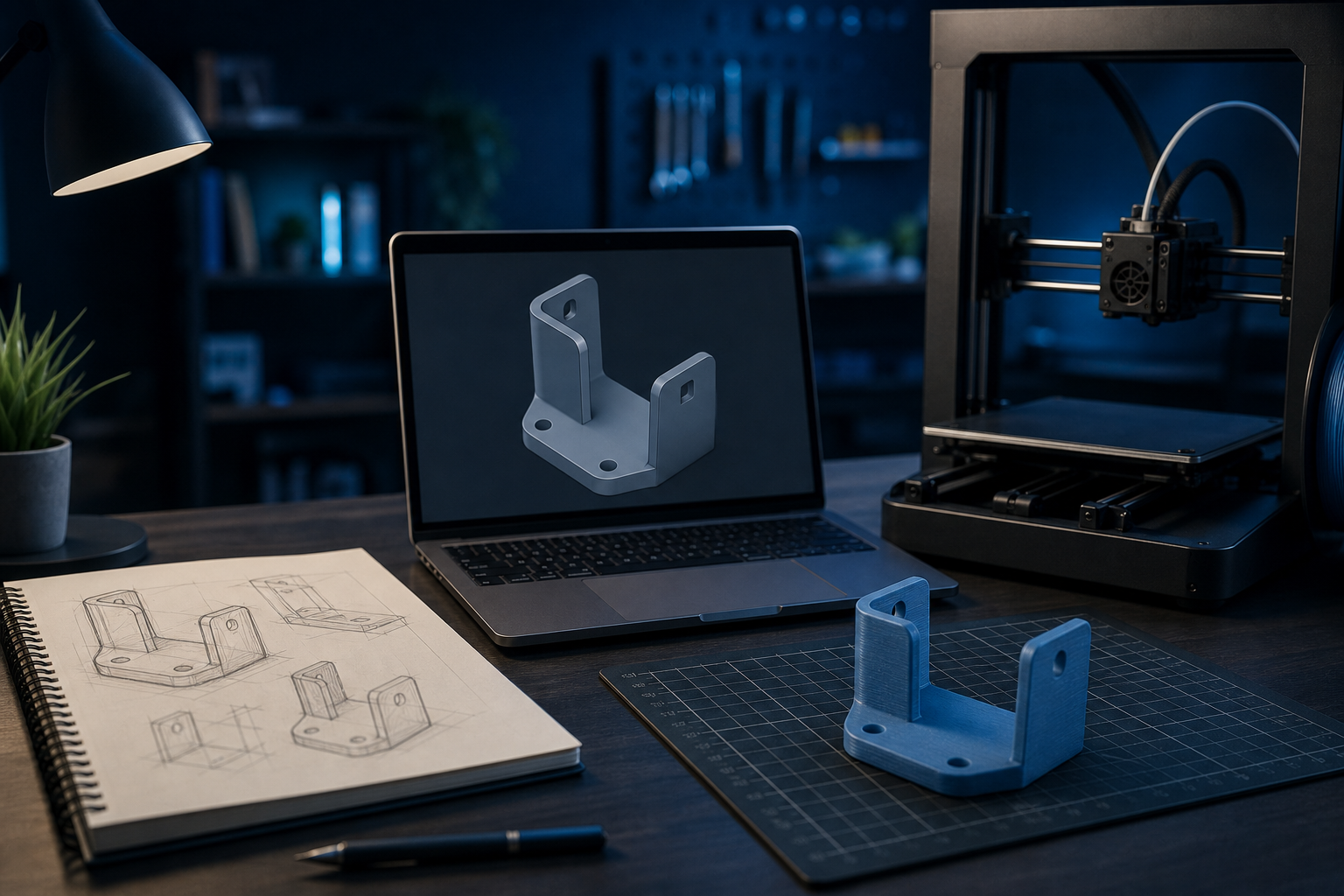
Most people don’t start with a perfect STL file. They start with a sentence:
“I need this clip remade.”
“I have an idea for a product.”
“Can we print a prototype before spending on molds?”
That’s normal. The real skill is knowing how to turn that idea into a printed part without getting lost.
Step 1: Define the job, not just the shape
Before design starts, write down four things:
- Function: what must this part do?
- Environment: indoor, outdoor, heat, moisture?
- Load: light display piece or a part that takes force?
- Finish: rough prototype okay, or presentation-ready?
These details decide materials, orientation, wall thickness, and whether FDM or resin is smarter.
Step 2: Get a printable design
You have three common paths:
- You already have a file (STL / OBJ / 3MF) — great, move to review.
- You have a physical part — photograph measurements carefully, or work with a designer to remodel it.
- You only have an idea — start with a designer brief: size, use, references, constraints.
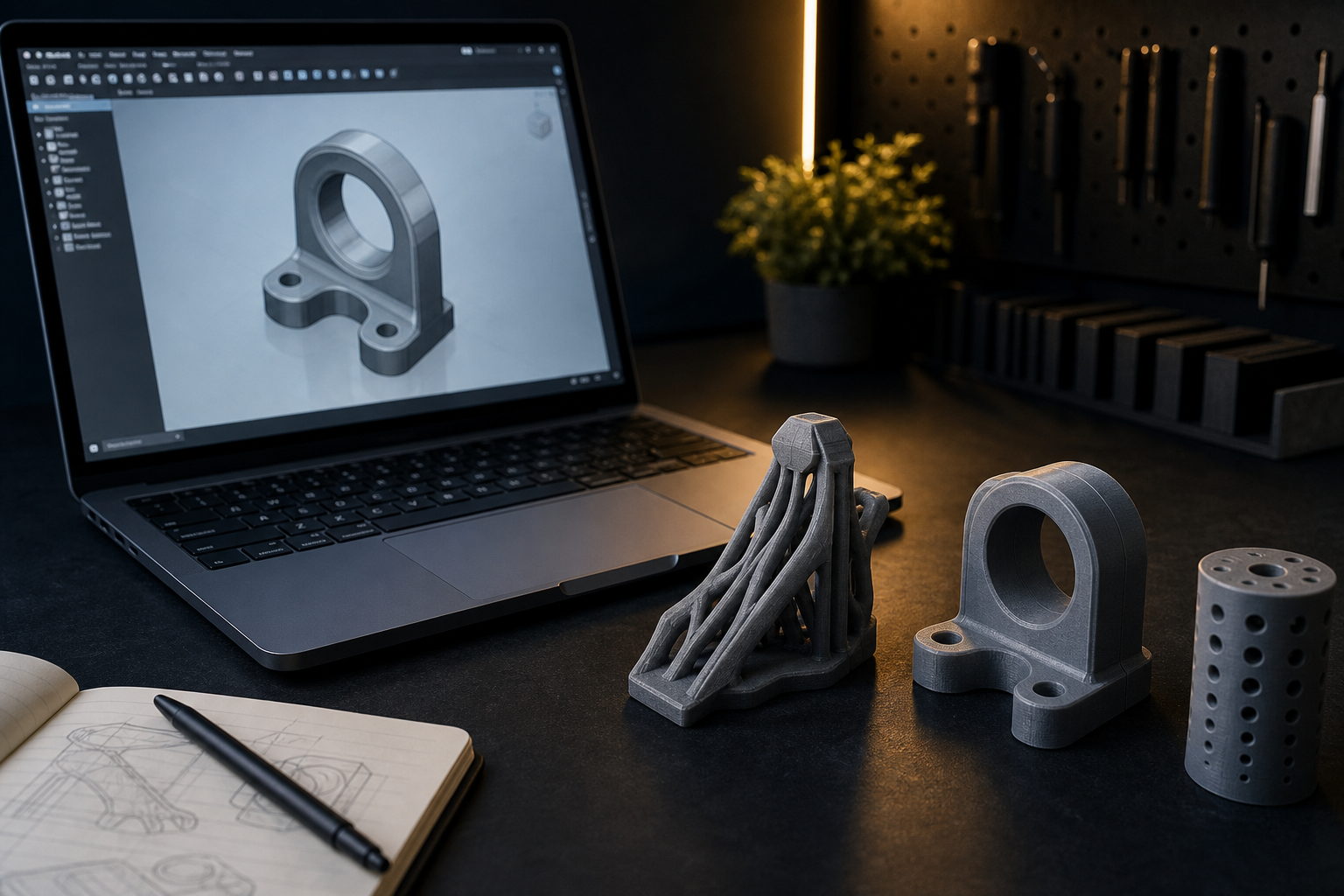
A printable design is not only “pretty in software.” It needs walls thick enough, clearances for assembly, and shapes that don’t fight gravity during printing.
Step 3: Check printability early
Ask simple questions before production:
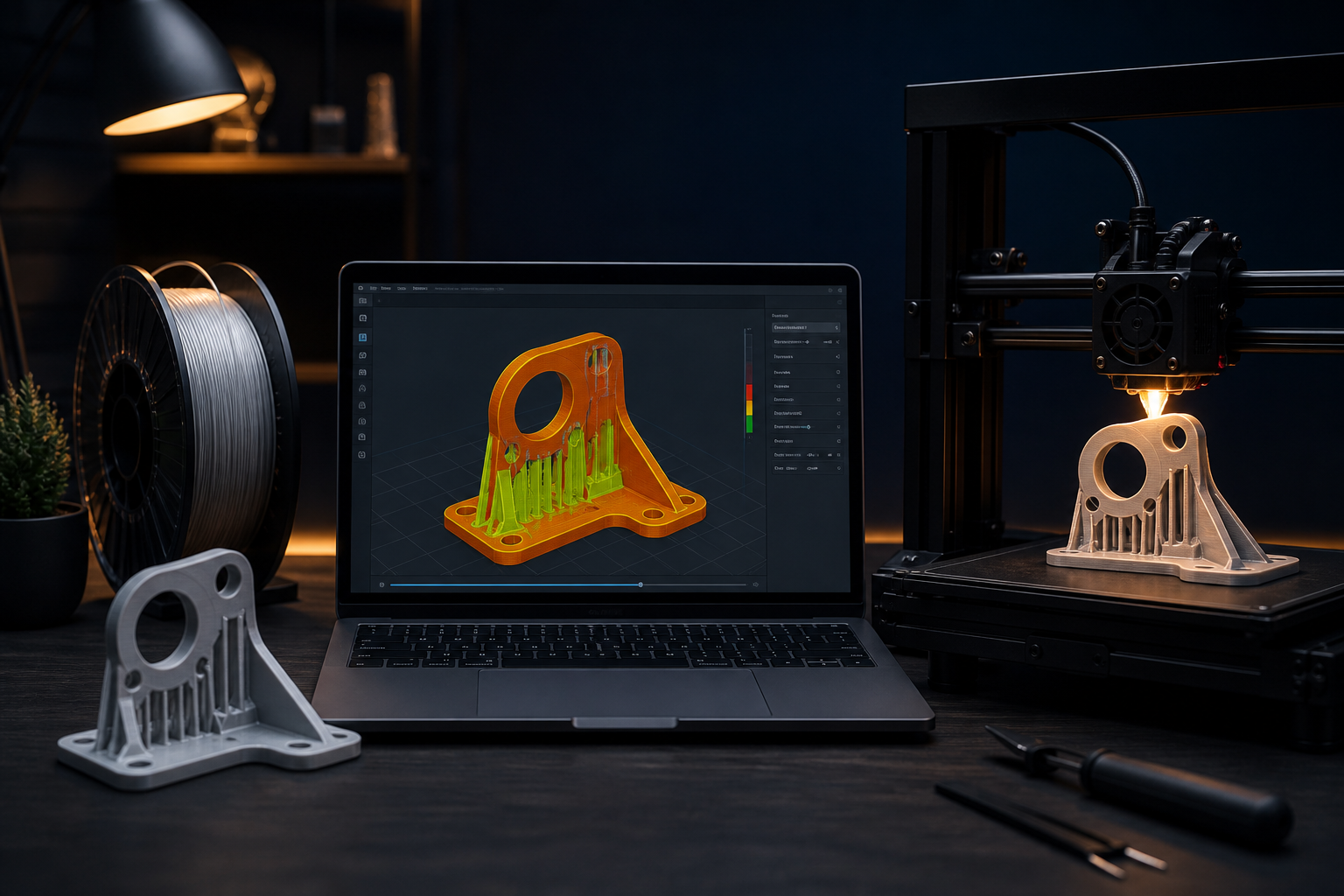
- Are there overhangs that need heavy supports?
- Is the thinnest wall strong enough?
- Should the part be split into two pieces?
- Is the orientation going to make weak layer lines in the stress direction?
Five minutes of printability checks can save a full day of reprints.
Step 4: Choose process + material
Match the method to the mission:
- Functional prototypes / larger brackets: usually FDM (PLA, PETG, ABS/ASA…)
- Tiny detail / smooth cosmetic models: often resin
- Flexible needs: TPU or flexible resins
If the part must survive real use, don’t order it like a decorative souvenir.
Step 5: Print, finish, test, improve
First prints are rarely final. That’s not failure — that’s the workflow.
Print → test fit → note weak points → adjust design or material → print again. This loop is one of 3D printing’s biggest advantages over old tooling-first manufacturing.
Common beginner mistakes
- Ordering “any plastic” without describing the use case
- Expecting injection-mold quality from a first draft print
- Ignoring orientation and wall thickness
- Skipping tolerances when the part must click/assemble
Clear communication beats hoping the maker “just knows.”
A simple way to start in Egypt
If you don’t want to buy a printer or learn every software step at once, you can still move fast:
- Describe your idea or upload your file
- Ask for design + print, or print-only
- Compare offers and timelines
- Iterate once based on the first physical result
You’re not behind for starting from an idea. You’re exactly where most real projects begin.
Ready to take the first step? Post a request on Souq3D and work with local designers and makers who already live in this process every day.
Comments (0)
No comments yet. Be the first to share your thoughts.