
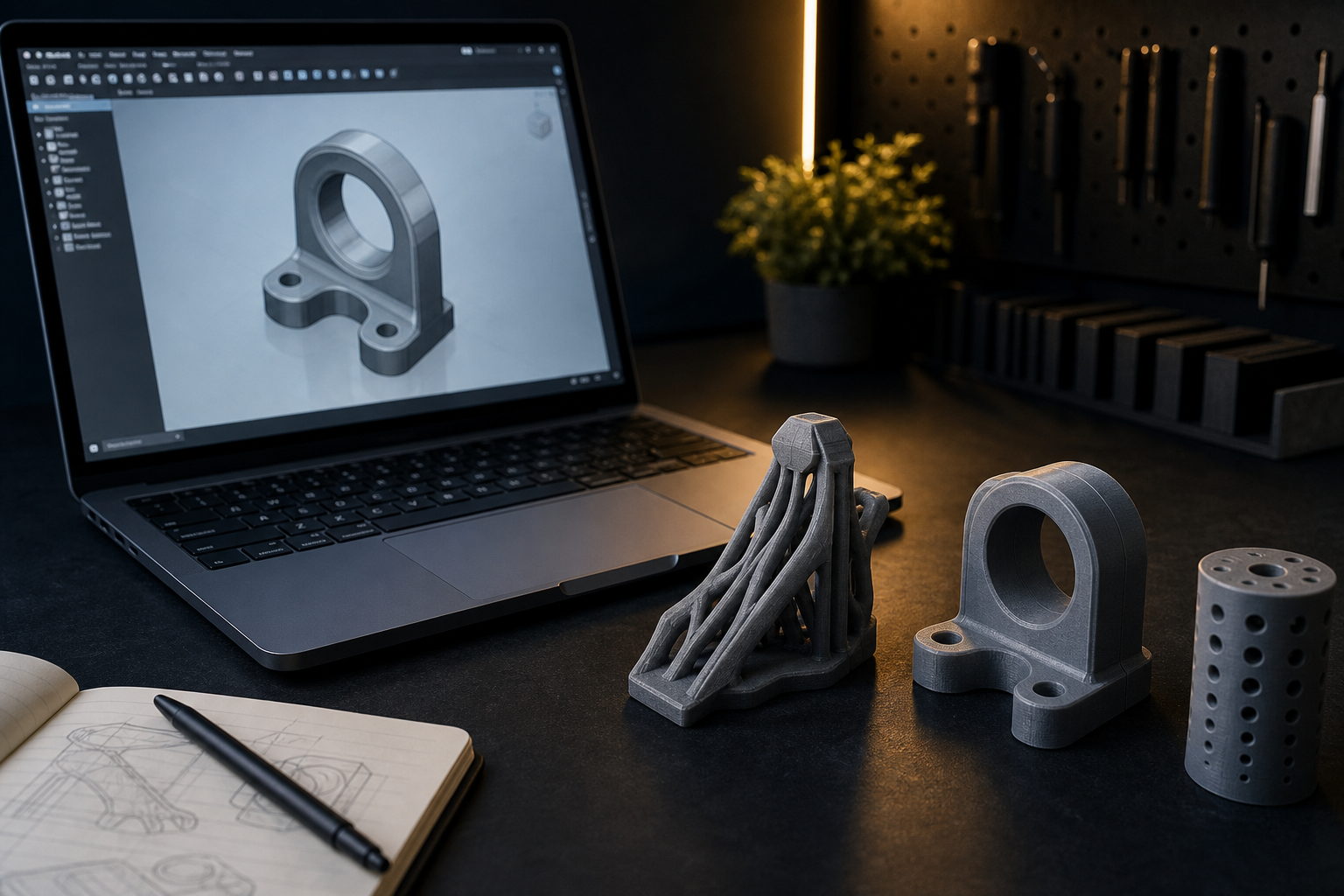
Most print failures start in CAD, not in the slicer. A beautiful model that ignores overhangs, wall thickness, and hole clearance will fight every printer in Egypt — including a well-tuned machine on Souq3D.
This is a practical design-for-FDM checklist. Follow it and you will spend less time on supports, sanding, and “why doesn’t this screw fit?”
Design for how plastic is stacked
FDM builds parts layer by layer. Strength is highest along the layers’ plane and weaker between layers. Orientation is a design decision:
- Put load-bearing features so layers do not peel apart under tension.
- Put the largest flat face on the bed when you can — better adhesion, fewer supports.
- Hide ugly first-layer texture on the underside of display products.
If the part only works in one ugly orientation, split it into two printable pieces with screws, pins, or glue bosses.
Overhangs: the 45° rule (and when to break it)
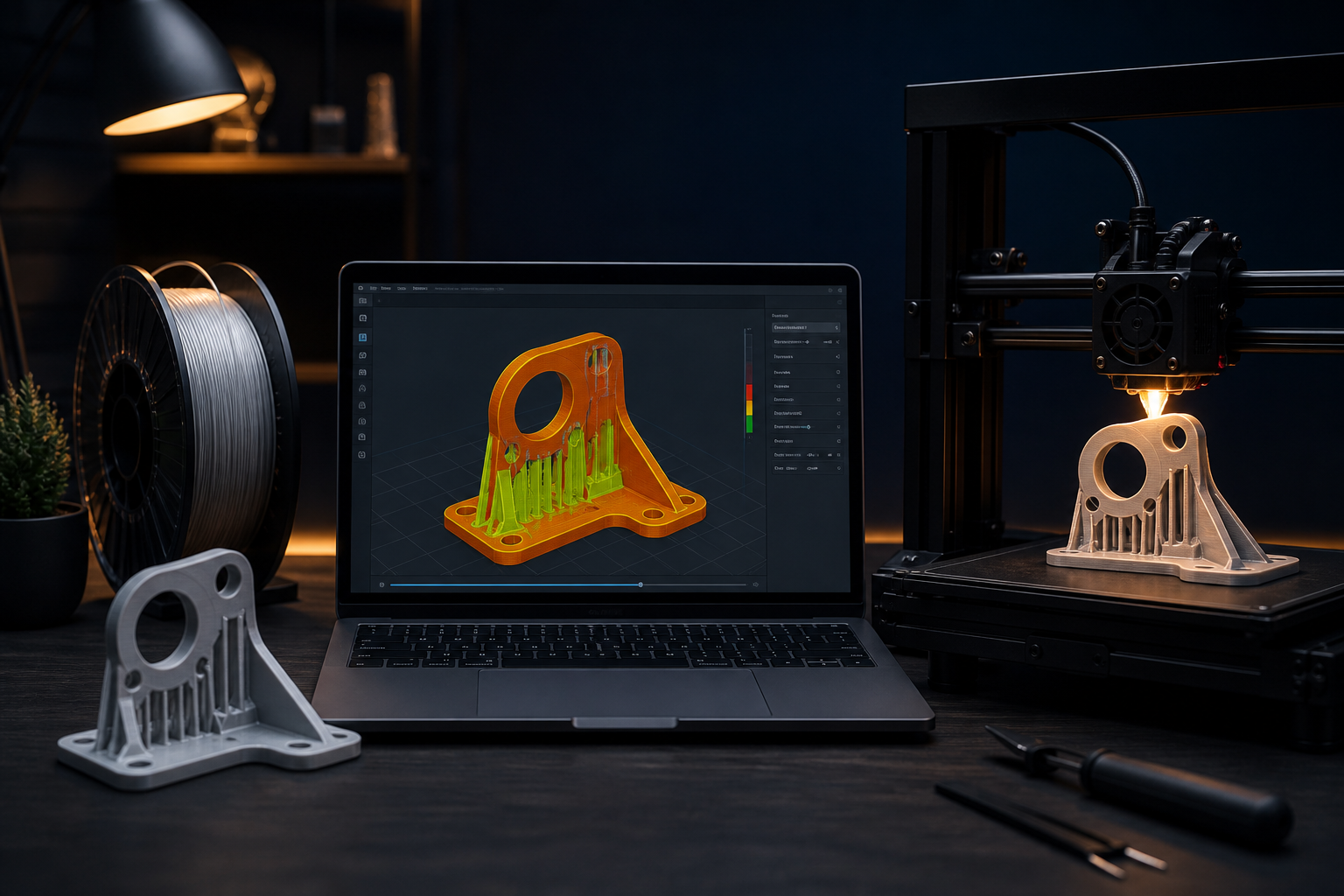
As a starting rule, slopes steeper than about 45–50° from vertical need support or a redesign. Bridges (flat spans between two pillars) can work short distances with good cooling — test, do not assume.
- Add chamfers or fillets under ledges so the printer can stair-step instead of printing in mid-air.
- Rotate the part before you drown it in supports. Supports scar surfaces and waste filament.
- Split the model along a plane so both halves sit flat, then assemble after printing.
PETG and TPU are less forgiving on overhangs than PLA. If you know the material, design for the worse case.
Walls and thin features
A 0.4 mm nozzle prints walls in multiples of roughly 0.4 mm. Thin decorative fins that are 0.5 mm thick often fail or look broken.
- Minimum wall: aim for at least 1.2 mm (about 3 perimeters) on functional shells.
- Text and logos: emboss or engrave at least 0.4–0.5 mm deep/tall, with stroke widths that fit nozzle multiples.
- Screw bosses: make them thick enough for heat-set inserts or self-tapping screws — a skinny tube will crack.
In the slicer, “3 walls + 20% infill” beats “2 walls + 80% infill” for most real loads. Design the shell thick enough that the slicer can place those walls.
Fillets beat sharp inside corners
Sharp internal corners concentrate stress and are harder to print cleanly. Add small fillets (1–2 mm) inside brackets and housing corners. Outside edges can stay sharper for looks; inside edges should be kind to plastic.
Holes, shafts, and tolerances
Printed holes usually come out smaller than the CAD diameter. Horizontal holes also suffer from droop at the top of the circle.
- For a screw clearance hole, start +0.2 to +0.4 mm over the nominal screw diameter and test on your printer.
- For press-fits, print a quick tolerance tower or a set of test rings before committing a full enclosure.
- Prefer hex recesses for nuts instead of relying on perfect round captures.
- Vertical holes (printed as tubes standing up) are rounder than holes lying on their side.
Never assume a 3D-printed hole matches CNC metal tolerances. If the fit is critical, design adjustment slots or post-drill the hole.
Clearance between mating parts
Two printed faces that must slide or assemble need a gap. A common starting clearance for PLA-on-PLA is about 0.2–0.4 mm per side, then tune. Paint and primer eat clearance — if the part will be finished, leave more room.
Avoid trapped volumes and impossible supports
Hollow sealed cavities trap support material (or resin, on SLA). Add a drain/escape hole, or design the hollow as an open shell. Internal channels should be printable without a maze of unreachable supports.
File hygiene before you upload
- Export a clean manifold mesh (watertight). Non-manifold edges cause random slicer holes.
- Use sensible units (mm). A model exported in meters becomes a microscopic print or a giant brick.
- Name the file with material intent if you know it:
bracket_petg_v3.stl. - Include a short note: load direction, faces that must look good, and whether paint is planned.
A 10-minute design review
- Can the largest face sit on the bed?
- Are overhangs above 45° redesigned, supported, or split?
- Are functional walls ≥ 1.2 mm?
- Are holes oversized for print shrinkage?
- Is there clearance for assembly and optional paint?
- Are inside corners filleted?
When to hand design to a professional
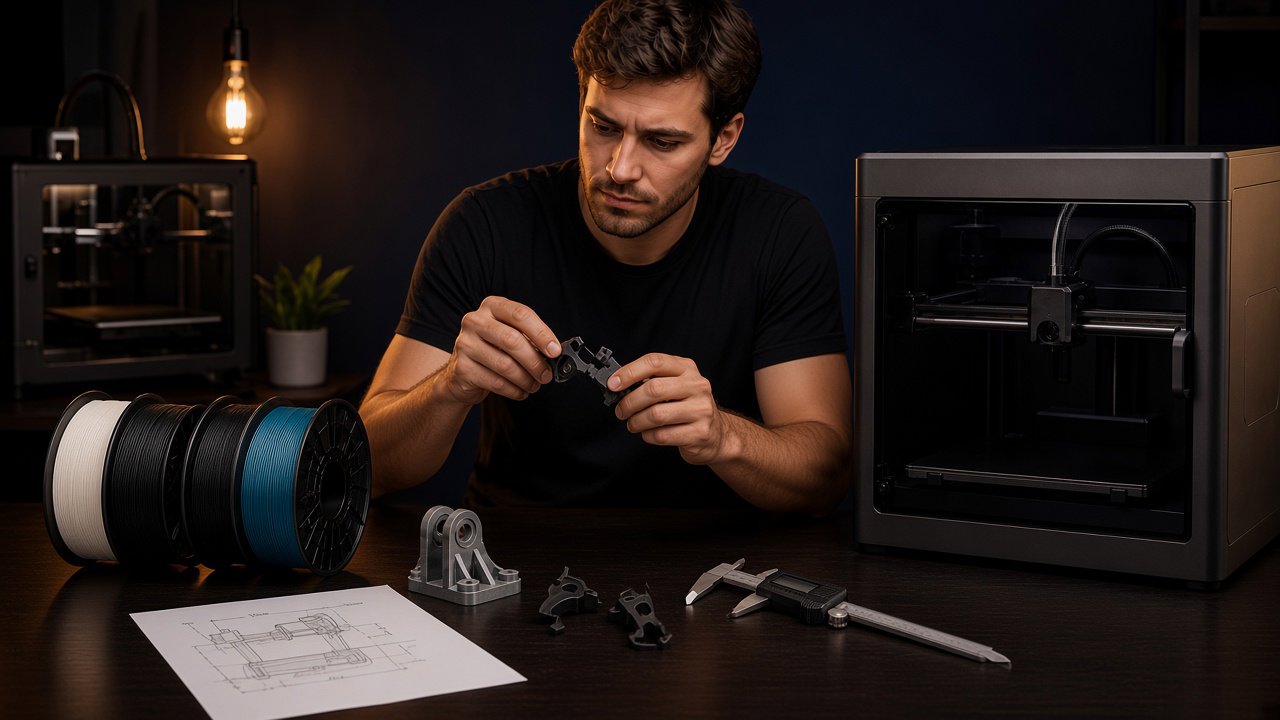
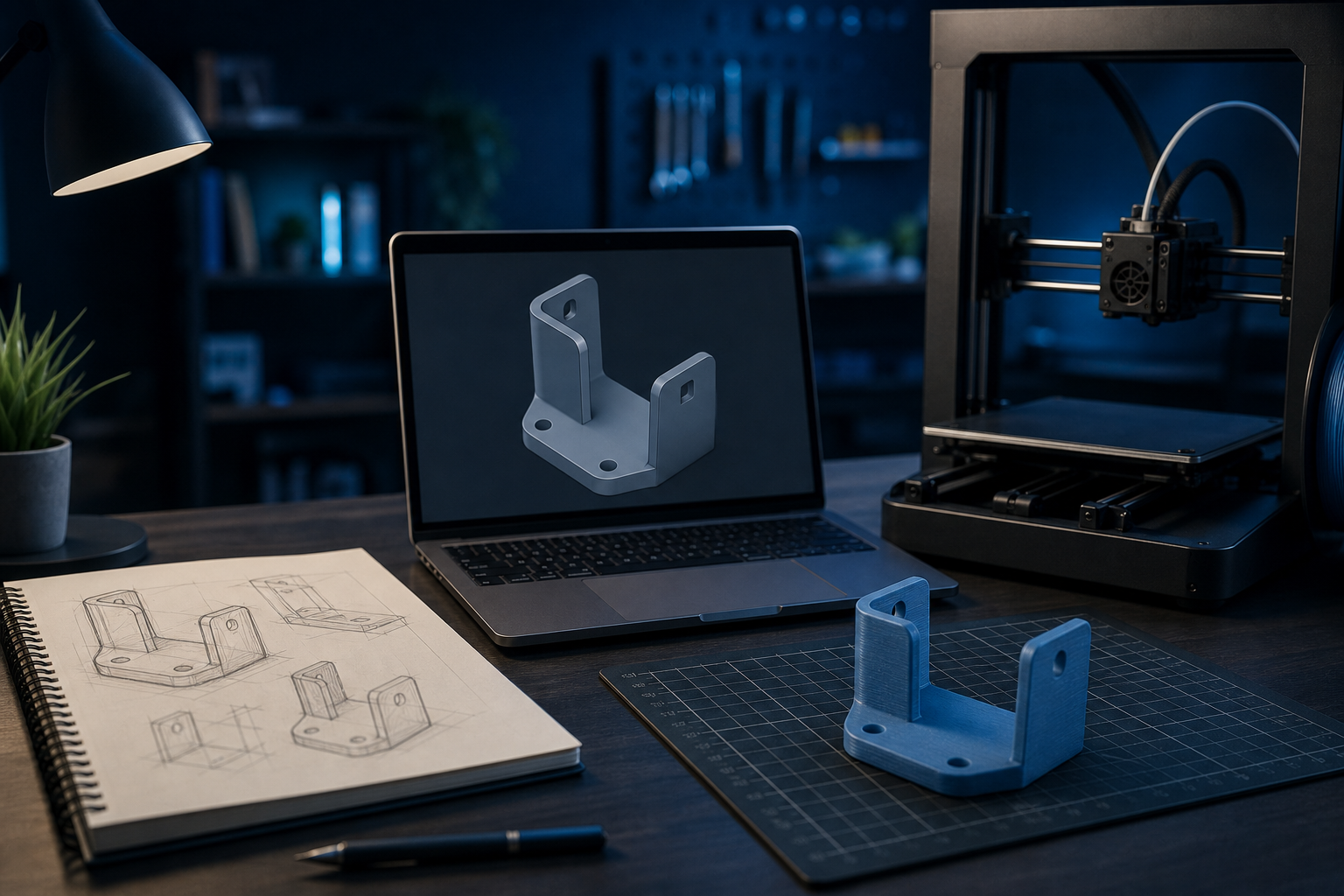
If you have a sketch, a broken part, or a STEP file from somewhere else that was never meant for FDM, a designer on Souq3D can rebuild it for printability: wall thickness, bosses, split lines, and tolerances. That edit is usually cheaper than three failed prints and a week of frustration.
Send: photos of the real object (with a ruler), the load it must carry, and the material you prefer. Good design instructions produce good quotes.
Comments (0)
No comments yet. Be the first to share your thoughts.